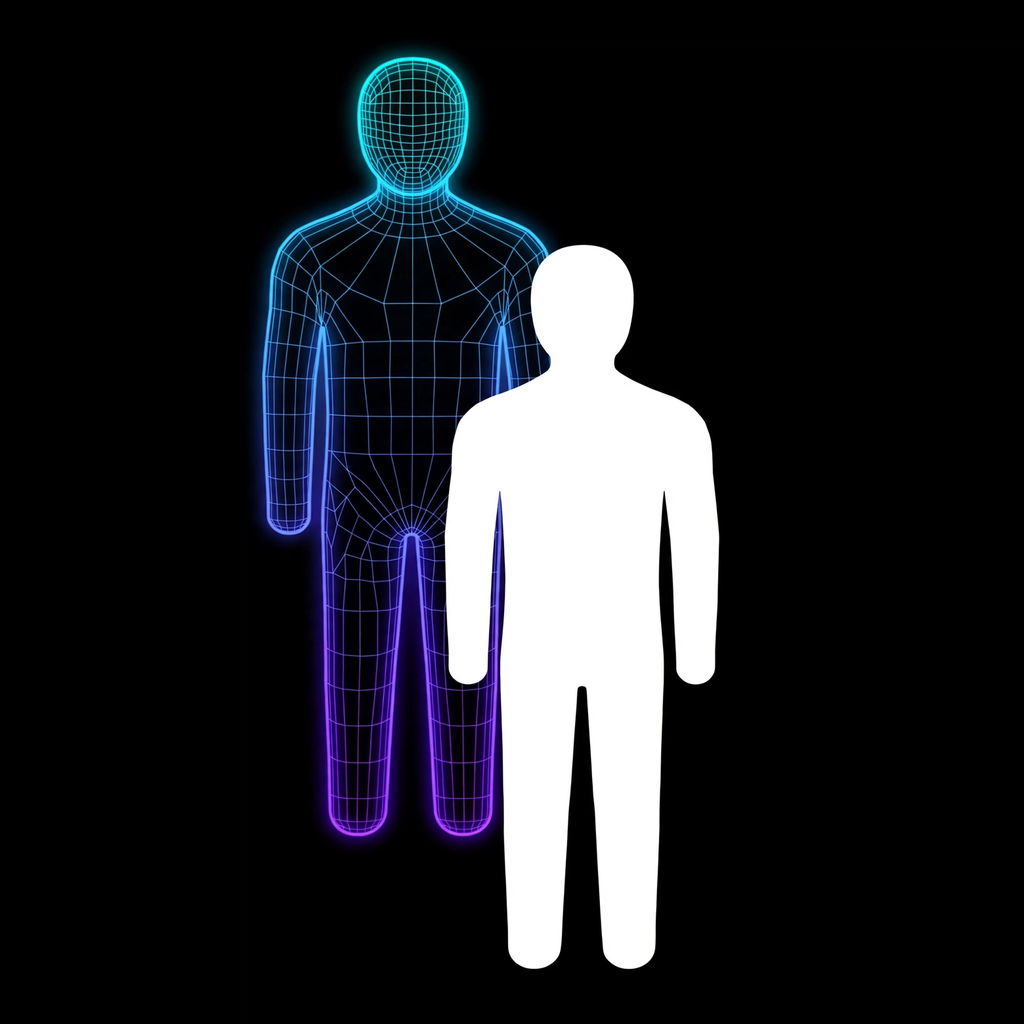
Virtual try-on is software that shows a product on you — your face, your body, your room — before you buy it. You give it a photo, a live camera view, or a short scan; it maps the product onto you at the right size and angle, so you can judge fit and look on a screen instead of in a mirror.
It exists because the mirror is the one thing online shopping took away. Fit anxiety is the top reason people hesitate to buy glasses, makeup, and clothes online — and a wrong guess becomes a return, which costs the shopper time and the retailer real money. Virtual try-on is the industry’s answer: put the mirror back, digitally.
How it works, in plain terms
- Capture. The tool takes a live camera view, an uploaded photo, or a guided scan of your face or body.
- Measure and map. It finds landmarks — the width of your face, the position of your eyes, your skin tone — and builds a working model. Better tools measure (some eyewear tools learn your frame width from a scan, and some include a PD measurement); weaker ones just paste a picture on top.
- Render. The product is drawn onto you at scale, following your movement or your photo’s angle. In makeup, this is shade rendering — the same lipstick, on your skin tone, in your light.
- Decide. You see the fit before money moves. That is the whole point.
Under the hood, most of the tools you will meet run on a handful of platforms — ModiFace (behind Maybelline’s try-on), Perfect Corp, Banuba, Fittingbox/Ditto for eyewear — or on a platform’s own system, like Google’s Try It On and the Try On button that arrived in ChatGPT shopping on Oct 1, 2026.
The four kinds you will actually meet
- Eyewear. Glasses and sunglasses on your face, live or from a photo. The most mature category — and the one where measurement matters most, because a frame can look right and fit wrong. Start with our Eyewear hub and the big-four comparison (Warby Parker vs Zenni vs GlassesUSA vs EyeBuyDirect).
- Makeup and beauty. Lipstick, foundation, and concealer shades rendered on your face, plus finder quizzes that match a shade to your skin. Maybelline’s is the reference build — full-face zones and a shade count on every product.
- Apparel and shoes. Clothes and footwear on your photo. Google’s Try It On covers apparel and shoes across 18 markets; this is the fastest-moving category and the least consistent.
- Everything else. Watches, jewellery, furniture in your room. Same idea, younger tools — and the category where claims most outrun results.
What it cannot do yet
A render is not a fitting. Today’s tools can misjudge size at the edges, flatten how a fabric actually drapes, and render a shade that shifts in real light. That is why this site does not repeat brochure claims: every tool in our Try-On Database is headed for a dated, hands-on Try-On Score under our published How We Test method — accuracy, measurement, privacy, speed, and catalogue breadth. Where a score says “in testing,” it means exactly that.
The privacy question, honestly
Try-on tools ask for the most personal input in shopping: your face. Before you use one, it is worth asking what happens to the photo or scan — kept, deleted, or used to train models. Our tests ask that question of every tool, and the answer is printed in its score. A tool that will not say does not get the benefit of the doubt here.
Where to go next
- The Try-On Database — every major tool, listed with what it actually does.
- The Try-On Score — our grading method and the first scorecard.
- How We Test — the five-part rubric every grade comes from.
- Eyewear — the category where try-on earns its keep today.